
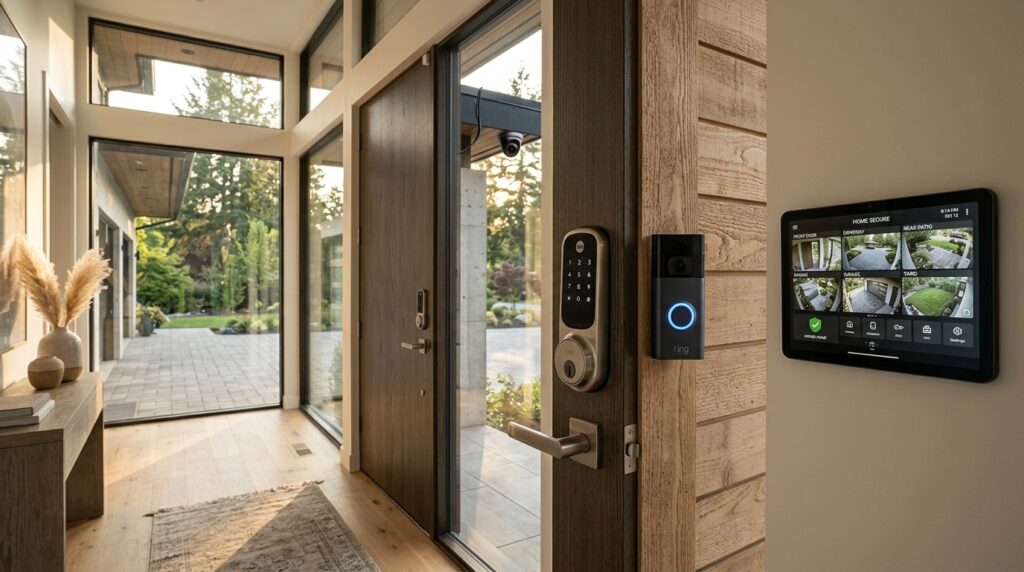
Protecting your castle shouldn’t feel like you’re being robbed by the very people selling you the locks. In 2026, the real smart home security cost is a tale of two worlds: you either pay a few hundred bucks upfront to do it yourself, or you get trapped in a “low-cost” contract that drains your wallet every single month. While a basic setup might only set you back about $600 to $750, the hidden fees for activation and professional monitoring can easily double your first-year bill.
You deserve to know exactly where your hard-earned cash is going before you start drilling holes in your walls. Between $20 window sensors and $300 cameras that claim to see everything, the marketing fluff is thicker than ever. We’ve dissected the numbers to show you how to get a high-tech fortress for as little as $200 without falling for the shiny, overpriced traps that dominate the industry.
Key Takeaways
- Opting for DIY installation and hardware ownership can save you nearly $1,500 in the first year by eliminating professional labor fees, activation charges, and predatory three-year contracts.
- Beware of ‘low-cost’ hardware traps where essential features like video history and AI detection are locked behind monthly subscriptions that can reach $65 per month.
- Building a custom security system component-by-component prevents overspending on bloated starter kits and allows you to scale your protection as your budget permits.
- Prioritize local storage options and self-monitoring to maintain a high-tech fortress without becoming dependent on recurring cloud storage fees or service plans.
DIY Kits Versus Professional Installation Prices
Choosing between a DIY kit and a professional setup is where the marketing fluff and mirrors usually start to get thick. You can grab a starter kit for about $200 and have it running by lunchtime without paying a dime for someone to drill holes in your walls. These systems are straightforward, letting you avoid the installation fees that traditional companies love to tack onto your bill. If you are comfortable climbing a ladder and syncing an app, you can save nearly $1,000 in your first year alone. The hardware is yours from day one, meaning you are not trapped in a cycle of renting equipment you will never actually own.
Professional installations might look cheaper on the surface because they lure you in with low upfront equipment costs, but the fine print tells a different story. Those flashy $0 down offers are often tied to ironclad three year contracts that force you into monthly monitoring fees ranging from $25 to $65. You might also get hit with activation fees as high as $230 just to turn on the service you are already paying for. By the time you add up the installation, activation, and mandatory monthly dues, that professional system can easily drain $2,000 from your bank account by the end of year one.
The real price gap hides in the scalability of your system and how much control you actually want over your budget. Adding an extra smart camera or a few window sensors to a DIY kit costs you the flat price of the hardware, which is usually between $20 and $300 per item. In contrast, professional providers often charge premium markups for every additional sensor and may even increase your monthly bill for the privilege of adding more devices. You have to decide if that professional handshake is worth a massive premium or if you would rather keep that extra $1,500 in your own pocket. Transparency is rare in this industry, so always look past the initial offer to see the total cost of ownership.
Monthly Monitoring Tiers And Hidden Service Fees
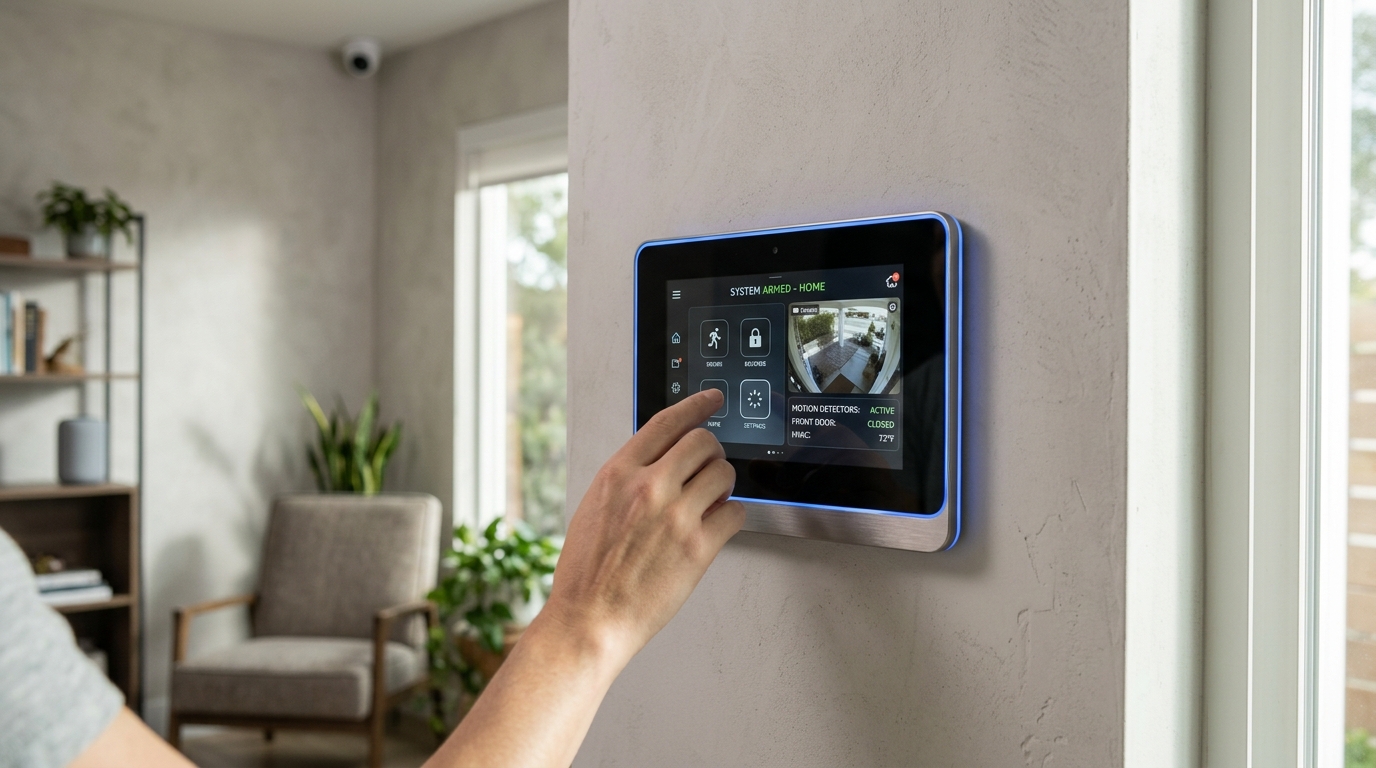
You might think you are scoring a massive win by grabbing a budget friendly camera for fifty bucks, but that low sticker price is often just the bait. Once you get the device home, you quickly realize that without a monthly subscription, your high tech gadget is little more than a paperweight that sends you annoying pings. Most of these companies lock essential features like video history and person detection behind a paywall that can easily run you fifteen to thirty dollars a month per camera. If you have a full suite of four or five cameras, your yearly cost for basic functionality can skyrocket past the original price of the hardware before you even hit the six month mark.
The real sting comes from the hidden service fees and the complex tier systems designed to keep you clicking the upgrade button. Many providers charge extra for AI analytics that can tell the difference between a burglar and a swaying tree branch, which is a feature you actually need to avoid constant false alarms. If you want professional monitoring to back you up, those fees can jump from a modest twenty dollars to a staggering sixty dollars or more every single month. You have to look past the flashy marketing and calculate the total cost of ownership over three years to see if that cheap DIY kit is actually a financial trap.
Smart home security should protect your wallet just as much as it protects your front door. Before you commit to a specific brand, interrogate their cloud storage policies and check if they offer local storage options like an SD card slot to bypass those recurring bills. Some systems allow you to self monitor for free, but they often strip away the very automation that makes a smart home convenient in the first place. Being a savvy consumer means recognizing when a low-cost contract is a fair trade for peace of mind and when it is just a sneaky way to drain your bank account every thirty days.
Individual Component Pricing For Custom Security Scaling
Building your own security system piece by piece is the smartest way to avoid the bloated “starter kits” that companies love to shove down your throat. You do not need a dozen sensors if you live in a third floor apartment, so why pay for them upfront? A transparent DIY approach lets you grab high quality door and window sensors for about $20 to $40 each, allowing you to secure only the actual entry points you care about. By focusing on individual components, you keep your initial investment closer to that $200 entry level mark instead of getting tricked into a $600 bundle full of plastic junk you will never use.
High definition 4K cameras and smart locks are where you should actually put your money if you want real protection. A premium camera usually sits between $100 and $300, but it provides the crisp detail that actually helps identifies intruders rather than just showing a blurry blob. When you compare this to the $1,500 price tag of a professional installation, the savings are massive because you are not paying a $300 “activation fee” just to turn the power on. You get to own your equipment outright from day one, which means you are not trapped in a three year contract that costs you $65 every single month.
Scaling your system as your budget allows is the ultimate power move for a savvy homeowner. You can start with a single smart lock and a doorbell camera this month, then add interior motion sensors next month when your paycheck hits. This custom path avoids the massive $1,000 first year cost typical of professional setups while giving you the exact same level of hardware. You are essentially acting as your own contractor, cutting out the middleman and the predatory subscription models that keep most people from ever feeling truly safe. Much like building a budget kit for emergencies, starting small allows you to prioritize quality over quantity.
The Real Cost: DIY vs. Pro Setup
The reality of securing your home in 2026 comes down to a choice between sweating the details yourself or paying a premium for someone else to hold the clipboard. If you go the DIY route, you are looking at a first year investment of roughly $300 to $500, which covers your basic hardware and the freedom of self monitoring. This path is perfect if you are tech savvy and do not mind spending a Saturday morning mounting sensors and syncing apps to save a few hundred bucks. You avoid the bloated activation fees and the long term contracts that usually keep homeowners locked into a monthly drain on their bank accounts.
Stepping into the world of professional installation and 24/7 monitoring changes the financial math significantly, often pushing your first year total toward the $2,000 mark. While the equipment is often subsidized or offered at a lower entry price, the hidden costs of professional labor and mandatory monthly service fees add up fast. You are essentially paying for a hands off experience and the peace of mind that comes with a dedicated response team. For families who want a system that just works without any troubleshooting, this higher price tag represents a service fee for your time and sanity.
Ultimately, the best value for your family depends on whether you view home security as a project or a utility. If you are comfortable managing your own alerts and checking camera feeds on your phone, the DIY approach offers an unbeatable return on investment by cutting out the middleman. However, if you prefer a managed solution where experts handle the wiring and the watching, be prepared for that recurring monthly commitment. Just as you might compare emergency home power options to ensure your family stays safe during a blackout, transparency is key here, so make sure you weigh that initial $200 starter kit against the long term cost of those inevitable monthly monitoring bills. Investing in a solar generator for home use can also ensure your DIY security system stays online even when the grid goes down.
Frequently Asked Questions
1. How much do I really need to spend to get started with smart home security?
You can secure your home for as little as $200 if you stick to a basic DIY starter kit. While a more complete setup usually lands between $600 and $750, you can avoid the massive markups by skipping the professional installers. Your biggest savings come from owning the gear outright rather than renting it through a bloated contract.
2. Is professional installation worth the extra money?
Professional installation is usually a trap designed to hit you with fees between $100 and $300 for work you could do yourself in an afternoon. These companies often lure you in with low equipment costs but lock you into expensive multi-year contracts. If you can use a ladder and a smartphone, you should save that cash and go the DIY route.
3. What are the hidden fees I should watch out for?
The industry loves to bury activation fees as high as $230 in the fine print of your agreement. You also need to watch out for monthly monitoring charges that can climb to $65, effectively doubling your costs over the first year. Always check if the hardware belongs to you or if you are just paying a monthly ransom to keep it turned on.
4. Can I avoid monthly monitoring fees entirely?
Yes, you can absolutely run a high-tech fortress without a monthly subscription by choosing a self-monitored system. This allows you to receive alerts directly to your phone and manage your own security without the $25 to $65 monthly drain on your bank account. It is the smartest way to keep your costs down while maintaining total control.
5. Why do some security cameras cost so much more than others?
High prices are often just marketing fluff designed to make you think a $300 camera is superior to a $50 alternative. Many mid-range cameras offer the same essential features like night vision and motion alerts without the brand-name tax. Focus on the actual hardware specs rather than the shiny packaging or celebrity endorsements. For those looking for more active protection, a tactical flashlight can be a vital addition to your home defense toolkit.
6. What happens to my equipment if I cancel a professional contract?
In many cases, traditional security companies actually own the equipment and will demand it back or disable it if you stop paying. This is why we advocate for buying your own hardware upfront so you never lose your investment. Owning your gear means you stay in charge of your home security regardless of which service you choose.