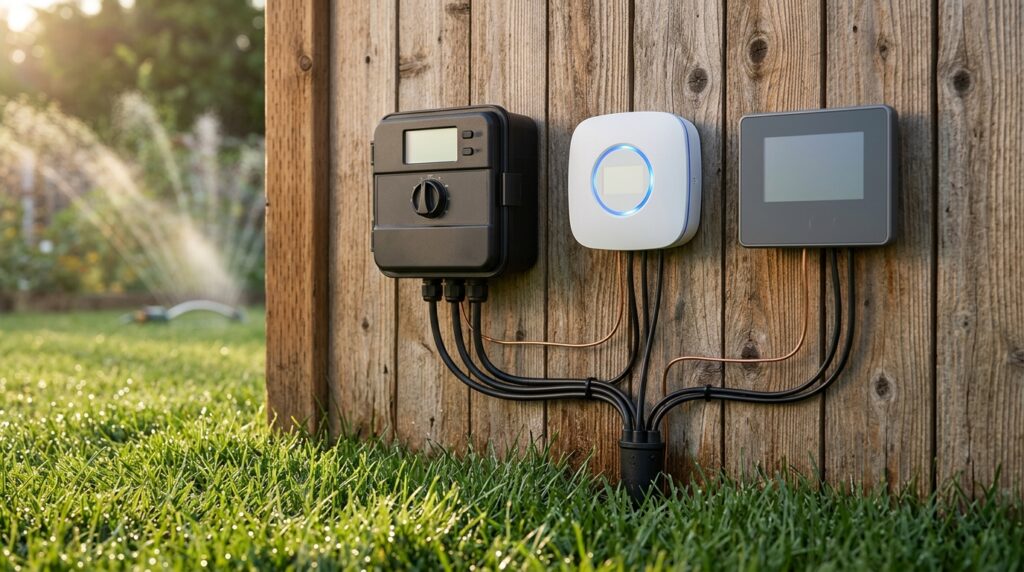
Before you compare a single smart irrigation controller, answer one question: does the box decide when to water by checking the local weather, or by reading moisture from sensors in the soil? Weather-based models rely on local forecasts and landscape data, while soil-moisture models wait for the ground to tell them what it needs. That sounds like a small detail. It isn’t. It decides what you’ll pay, what you’ll install, and whether the thing actually saves water.
Here’s the signal through the noise. The Orbit B-hyve 6-zone lists at $142.99, the Rachio 3 8-zone lists at $199.99, and both are shouting about savings. The EPA estimates that swapping a basic clock controller for a WaterSense-labeled weather-based model can save an average home nearly 7,600 gallons a year. That’s an average, not a promise. Your yard, your sprinkler heads, and your Wi-Fi signal all get a vote. Brands love to skip the boring parts: zone capacity, whether your old valves fit, and whether the app quietly wants a monthly fee. We’re going to dissect all of it, fluff-free, so you can pick a controller without falling for the hype.
Key Takeaways
- Weather-based controllers water by checking local weather, while soil-moisture controllers water by reading moisture from sensors in the ground, and that choice shapes your price, install effort, and water savings more than the brand name does.
- Count your valve zones before you shop, because a controller with more zones than you run, like a 16-zone Rachio 3 on a five-valve system, is money you will never get back.
- Check that your valves take 24 VAC and that your router broadcasts on 2.4 GHz before you buy, since the Orbit B-hyve 6-zone requires 24 VAC valves and the Rain Bird LNK2 module requires a 2.4-GHz router.
- Run the payback math with your own numbers, because the EPA’s modeled paybacks of 1.5 years for a $253 full replacement and 1.1 years for a $183 add-on assume a yearly water savings figure that your water bill may not match.
- Read the pricing page for the exact model you plan to buy before you commit, because Hunter’s optional paid subscription sits on top of its free plan and recurring fees can quietly add up over time.
How Do Smart Irrigation Controllers Decide When to Water?
Weather-based controllers decide when to water by checking the sky, while soil-moisture controllers check the dirt. That split matters more than the marketing lets on.
Weather-based models pull in local weather data, combine it with your landscape conditions, and build a watering schedule around both. Hot, dry week? They water more. Rainy stretch? They back off. You don’t have to babysit them, but you do have to trust the weather feed and the setup you type in, like your plant types and sprinkler output.
Soil-moisture models skip the guesswork. They monitor how wet the ground is and hold off when the soil already has enough water. Sounds clean, right? Here’s the catch: those readings come from sensors that have to sit in the soil. That means digging, placing probes in the right zones, and getting their signal back to the box. Install day gets longer, and sensor placement matters. Park one in a shady corner and it will tell the controller a misleading story about the whole lawn.
So why does this matter when you compare boxes? Because the two types ask for different things. A weather-based unit depends on a steady internet connection and a reliable weather feed. A soil-moisture unit adds hardware in the ground, so your install time, your yard disruption, and your sensor count all climb. Two boxes with similar price tags can turn into very different weekend projects.
And savings? Nobody can promise you a number. Results depend on the controller type, your climate, your soil, and how badly your current schedule overwatered. A controller that trims waste in one yard might barely move the needle in another. Treat any savings figure on a box or a sales page as a starting point, not a guarantee.
Which Smart Controllers Are Worth Comparing Right Now?
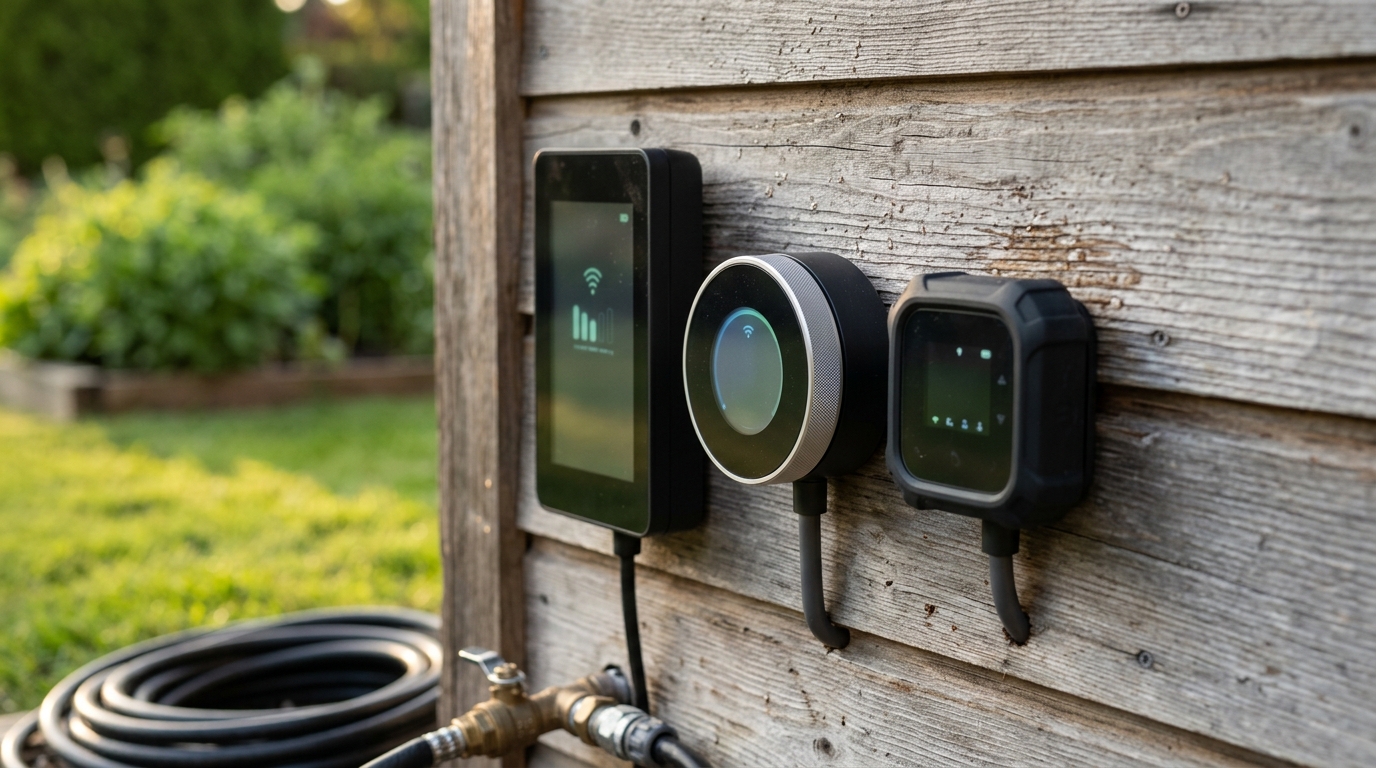
Right now, the controllers worth comparing are the Orbit B-hyve 6-zone, the Rachio 3 in its 8-zone and 16-zone versions, the Rain Bird LNK2 Wi-Fi module for compatible Rain Bird boxes, and Hunter Hydrawise as a platform. Start with zone count, because it cuts the shelf in half before you read a single spec.
Your zone count is your first filter. Count the valves in your system, then pick a controller that matches that number. Don’t grab the box with the bigger number because it sounds like more value. Paying for 16 zones when you run five valves is money you’ll never see back.
Orbit B-hyve 6-zone, $142.99. This is the cheapest path into smart watering on this list. It’s rated for indoor and outdoor mounting, runs 24 VAC valves, and connects over 2.4-GHz Wi-Fi with Bluetooth backup for setup. It’s WaterSense certified, so it meets EPA’s efficiency bar. The downside: it offers only four programs. If your front lawn, side beds, and drip line all need different schedules, you’ll feel boxed in fast.
Rachio 3 8-zone, $199.99. This is the middle pick for a typical suburban yard. Rachio says its standard app carries no monthly fee, and it advertises installation in 30 minutes or less. Don’t bank on that number blindly. Old wiring, cracked valve wires, and a cramped mounting spot can turn a half-hour job into a long Saturday.
Rachio 3 16-zone, $249.99. You only pay the extra $50 if you truly have nine to sixteen valves. If you’re at eight or fewer, the 8-zone model does the same job for less. Buying up for “future expansion” is how people end up with a box running at half its capacity for years.
Rain Bird LNK2 Wi-Fi module. This isn’t a standalone controller. It’s an add-on that upgrades compatible Rain Bird units, including the ESP-ME, ESP-ME3, ESP-TM2, ESP-2Wire, and RZXe models. The module needs a 2.4-GHz router and works with the free Rain Bird 2.0 app. The bottom line is simple: if your current box isn’t on that list, the module is useless to you.
Hunter Hydrawise. Think of this as a platform, not a single box. Hunter offers a free plan along with an optional paid subscription. The free plan is the easiest way to test remote control before committing. The subscription is where recurring costs can creep in, so read the plan limits before you assume the free version covers what you need.
Will a Smart Controller Fit Your Existing Sprinkler System?
Yes, if two things line up: your valves match what the new controller expects, and the controller covers every zone you run. Miss either one and you’re buying a box that won’t do the job.
Start with the valves, not the box. The Orbit B-hyve 6-zone runs on 24 VAC valves, so check the solenoids on your existing valves or the paperwork for your current system. A mismatch means the controller can’t reliably open and close them, and you’ll be returning a box that never should have shipped to your yard.
Next, look at the controller you already have. Rain Bird’s LNK2 module only works with specific models, including the ESP-ME, ESP-ME3, ESP-TM2, ESP-2Wire, and RZXe. If your current unit isn’t on that list, the module is a dead end. Before you shop, write down:
- The model number printed on your current controller
- The voltage listed on your valve solenoids
- Your exact zone count, including drip lines and side beds
- Whether your Wi-Fi router runs on 2.4 GHz
Those four notes save you a return trip. They also tell you whether you need an add-on or a full replacement, and that choice changes the total cost. An add-on keeps your existing box and adds smart features on top. A full replacement swaps the whole unit. EPA’s 2021 cost model used average retail estimates of $253 for a full replacement and $183 for an add-on, with modeled paybacks of 1.5 and 1.1 years. Those are averages, not your bill. Installation, wiring repairs, and any valve work can push your real number higher.
Then count your zones and confirm the controller covers all of them. Ten valves on an eight-zone box means a second controller, a shared zone that waters the wrong area, or a valve that never gets a schedule. Don’t round up for “someday.” Buy for the valves you have today.
Do You Need Wi-Fi, and What Is the 2.4-GHz Catch?
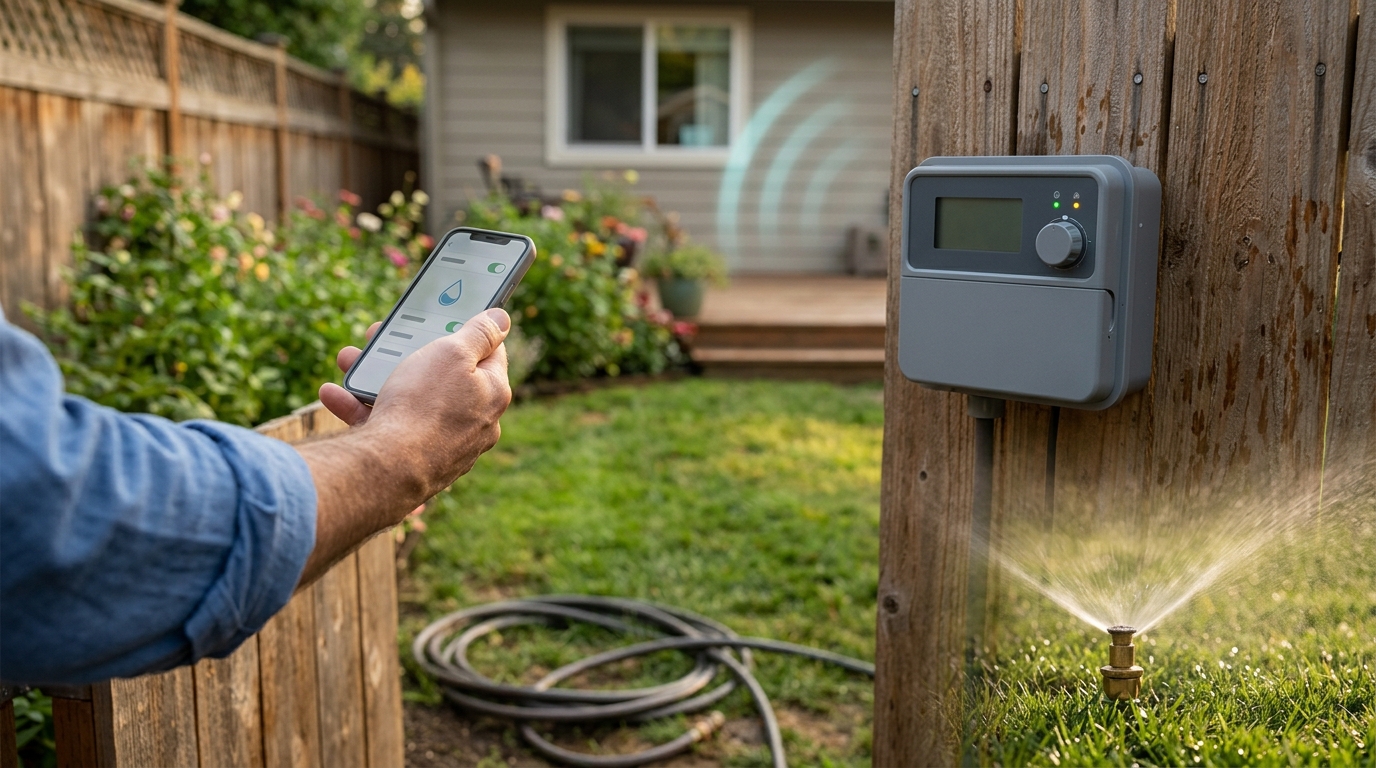
Yes, you need Wi-Fi if you want to change schedules from your phone, and the band your router broadcasts on decides whether the box connects at all.
Here’s the trap. Plenty of homes now run a router that broadcasts on 5 GHz, and most owners never check. A 5-GHz-only setup will not connect to controllers that need 2.4 GHz, and you’ll find out after the box is already mounted on the wall.
The Rain Bird LNK2 Wi-Fi module requires a 2.4-GHz router, full stop. The Orbit B-hyve also runs on 2.4-GHz Wi-Fi, but it includes Bluetooth, which helps you reach the controller during setup when you’re standing right beside it. That’s handy when your phone can’t find the box through the router yet.
Once everything is paired, the app does the heavy lifting. The Rain Bird 2.0 app is listed as free, and you use it to check schedules and run zones from the couch or the office. The one thing to watch is that the controller needs a steady connection to stay in the app. If your router goes down, or your Wi-Fi signal is weak where the controller hangs, the app goes quiet, and your schedule keeps running without you seeing it.
Before you buy, do this:
- Open your router’s settings or your internet provider’s app and look for a separate 2.4-GHz network name.
- Check the signal bars near the spot where you plan to mount the controller. Garages and metal enclosures often block signal.
- If you only have a 5-GHz network, change your settings or add a 2.4-GHz capable router before you buy anything.
Are Smart Irrigation Controllers Worth It?
Usually, yes, but only if your current schedule wastes water and you don’t pay for features you’ll never use. The price tag is the easy part. The savings claims are where people get oversold.
Start with the water. Swapping a basic clock controller for a weather-based model can save an average home nearly 7,600 gallons a year. Soil-moisture models make a bigger claim. EPA’s 2021 soil-moisture model estimates at least 30% overall water savings. For a household using 50,500 gallons a year outdoors, that works out to 15,150 gallons saved annually.
Those are estimates, not promises. A yard with good sprinkler heads and a tidy schedule has less waste to recover than one that runs at full blast every morning. Your local water rate also decides what those gallons are worth in dollars, and that number changes from town to town.
Now the price. The same model uses average retail estimates of $253 for a full replacement and $183 for an add-on upgrade. It projects payback in 1.5 years for the full replacement and 1.1 years for the add-on.
Here’s the payback math in plain numbers:
- Full replacement: $253 against a modeled payback of 1.5 years.
- Add-on upgrade: $183 against a modeled payback of 1.1 years.
Both paybacks rest on an assumed yearly water savings figure. If your actual savings are lower than that assumption, the payback stretches out. If they’re higher, you break even sooner.
Then there’s the install bill nobody puts on the box. Those $253 and $183 figures are averages. Old wiring, a cracked valve wire, or a new valve can push your real cost higher, and each extra dollar pushes payback further out.
So is it worth it? If your current controller is old, your yard is visibly overwatered, and your zone count fits the box, the numbers can work. If you’re mostly buying a shiny app, the math gets thin fast. Check your installed cost first, then your water bill. Those two numbers will tell you more than any sales page.
Hunter or Rain Bird: Which Controller Ecosystem Fits You?
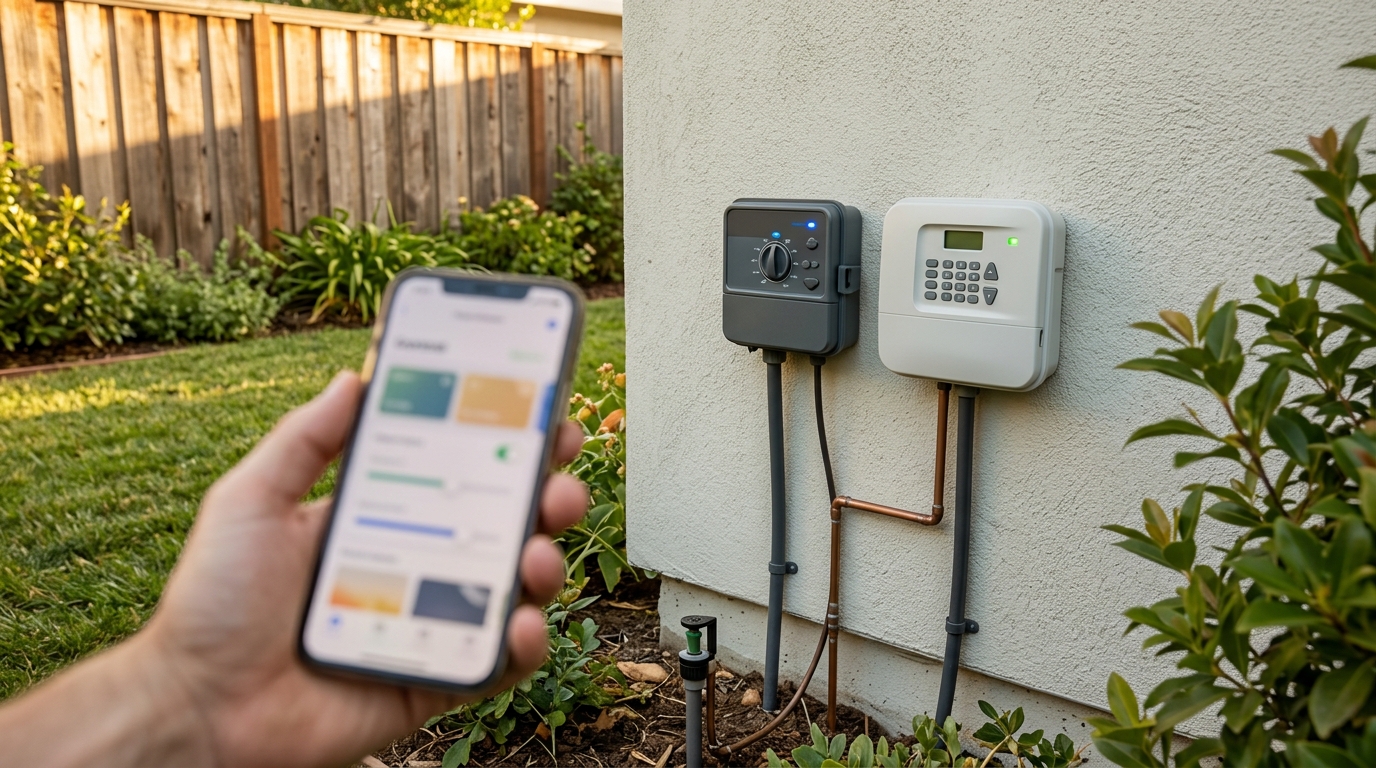
Pick the ecosystem that matches the controller already on your wall. If you have a compatible Rain Bird system, the LNK2 path is usually the shortest road. If you’re starting fresh or running another brand, Hunter’s platform is the one to weigh.
Rain Bird’s setup is simple. The LNK2 Wi-Fi module upgrades compatible controllers like the ESP-ME3, ESP-TM2, and RZXe, and you manage it through the free Rain Bird 2.0 app. The trade-off is that you’re committed to Rain Bird hardware. If you swap the controller for another brand later, the module has nowhere to go.
Hunter works differently. It offers a free plan and an optional paid subscription, so you can test remote control before spending anything. The free tier is the sensible starting point. The paid tier is where the fine print lives, so read exactly what each plan includes before you assume the free version covers your yard.
Before you pay for any plan, ask yourself one blunt question: which features will you actually use? Changing schedules from your phone is probably on that list. Extra alerts, detailed history, or advanced controls you’ll click once and forget are a different story. Paying every month for features you never open is the same waste you’re trying to fix in your sprinkler system.
Your gut check looks like this:
- You already own a compatible Rain Bird controller: The LNK2 module is the easy win, as long as your router runs on 2.4 GHz.
- You’re starting from scratch or running a different brand: Compare Hunter’s platform against a standalone box before choosing.
- You only want to change schedules from your phone: The free tiers may be all you need.
- You want features locked behind a plan: Add up a full year of subscription fees before you commit.
Are Recurring Fees Hiding in the Fine Print?
Sometimes, yes. The sticker price rarely tells you what you’ll actually pay. Rachio says its standard app has no monthly fee, which is nice to see in writing. But “standard” is the word doing the heavy lifting. Before you assume every feature is free, check what the app includes.
Hunter takes a different route. It offers a free plan with an optional subscription on top. The free plan lets you test remote control, but the paid tier costs extra. If you skip the plan details, you could end up paying every month for something you assumed came with the box.
Here’s the rule: read the pricing page for the exact model you plan to buy. Not the brand homepage, not a review, and not a forum post from three years ago. Model names matter, and pricing pages change.
Watch for these red flags:
- Free trials or “included for the first year” offers with no clear renewal price
- Features that vanish when you drop to the free plan
- Alerts, watering history, or remote access listed as “premium”
Then remember that the sticker price is only the first cost. Add installation time, any wiring or valve repairs, and the subscription you’ll pay each year. A cheap box with a monthly plan can cost more over three years than a pricier box with no fee. Do that math before you click buy, not after the controller is mounted on the wall.
Do California Rules Change Your Shopping List?
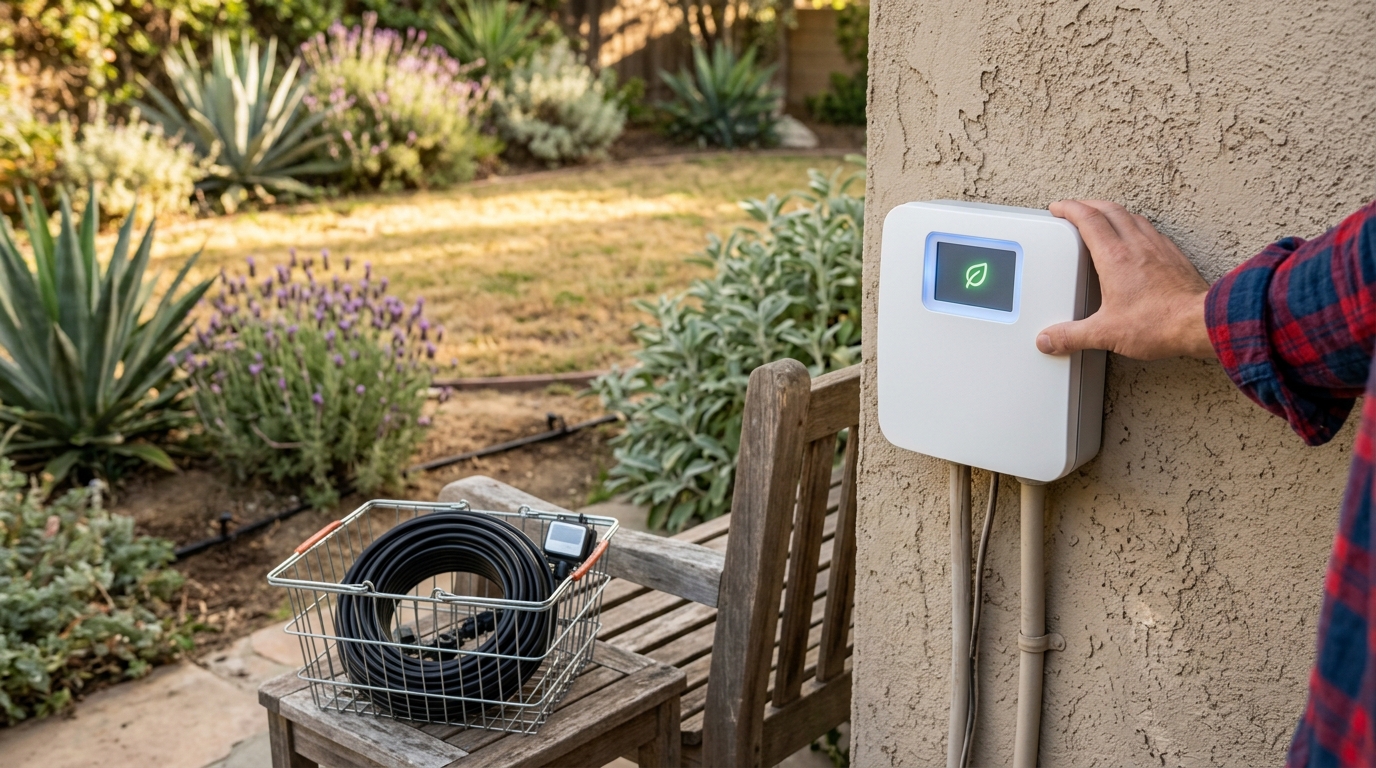
Not if you’re just replacing a dead box. California’s irrigation rules mostly apply to new construction and permitted work, not every controller you grab off the shelf.
When a permit is involved, the building code asks for a few specific things. Under the state’s green building code, automatic irrigation controllers installed by final inspection have to adjust watering as plant needs change. Weather-based controllers also need a way to handle rain: an integral rain sensor, a separate rain sensor, or communication that accounts for local rainfall. The state’s own energy filings lay out those provisions.
Timing matters too. The Department of Housing and Community Development lists the 2025 CALGreen Code, and its 2025 residential mandatory measures take effect January 1, 2026. If your project straddles that date, check with your local building department before you schedule the install.
Then there’s the bigger story. The California Energy Commission is in pre-rulemaking for possible landscape irrigation controller standards. The ideas under review cover a mandatory test procedure, minimum water-efficiency performance, and marking requirements. The Commission’s proceeding page is where that work lives. Pre-rulemaking means the proposals are still being shaped. They are not law, and nothing in that process tells you which model to buy today.
So here’s the line you need to draw. Swapping a failed controller for a new model, outside new construction or permit rules, does not automatically trigger these requirements. Replacing your old box with an Orbit B-hyve because the old one quit doesn’t mean an inspector is coming to check your yard.
If you’re remodeling or building new landscape under a permit, run through three quick questions:
- Is the controller part of a permitted project that will reach final inspection?
- Does it handle rain through a built-in sensor, a separate sensor, or rainfall data?
- Does it adjust watering as your plants’ needs change?
Pick Your Controller and Skip the Hype
Your next step is the one nobody enjoys: go outside and count. Walk the yard, open the valve boxes, and write down every zone you actually run, including the drip line and that side bed you forgot about.
Then match that number to the shelf. Six or fewer valves? The Orbit B-hyve 6-zone at $142.99 is the cheapest starting point, as long as your valves take 24 VAC and your router broadcasts on 2.4 GHz. Seven or eight zones? The Rachio 3 8-zone at $199.99 is the sensible pick. Nine to sixteen? Only then does the Rachio 3 16-zone at $249.99 earn its extra $50.
Already own a compatible Rain Bird controller? Check its model number against the LNK2 list before you spend a dollar on a whole new box.
Last, open the pricing page for the exact model on your shortlist and read the plan details. Save a screenshot of what the free tier includes, then add up one year of any subscription you’d need to get the features you want. If that yearly number makes you wince, you’ve found your answer. If it doesn’t, you’re ready to buy with your eyes open.
Frequently Asked Questions
1. Can I install a smart irrigation controller myself?
Many handy homeowners can swap a wall-mounted controller themselves, especially if the new box uses the same valve wiring as the old one. The main jobs are confirming your valves match the controller’s voltage, reconnecting the wires to the right terminals, and mounting the box where the Wi-Fi signal is strong. If you find cracked valve wires, buried splices, or valve repairs, that’s the point where bringing in a pro is the smarter move.
2. What happens to my watering schedule if the power goes out?
A controller that loses power stops running its zones until electricity returns, so your yard simply goes without water during the outage. Many models keep your saved programs in memory, but the clock can reset, so check the time and schedule once the power is back. Some units include a battery backup to keep the clock running, so check the spec sheet for the exact model you’re considering.
3. What does the WaterSense label on a controller actually mean?
The WaterSense label means the controller has met the EPA’s efficiency criteria for its type. For weather-based models, EPA’s September 2021 specification references the ANSI/ASABE S627 standard, which was published in December 2020. Check that the label appears on the exact model you plan to buy, since a brand’s other products may not carry it.