
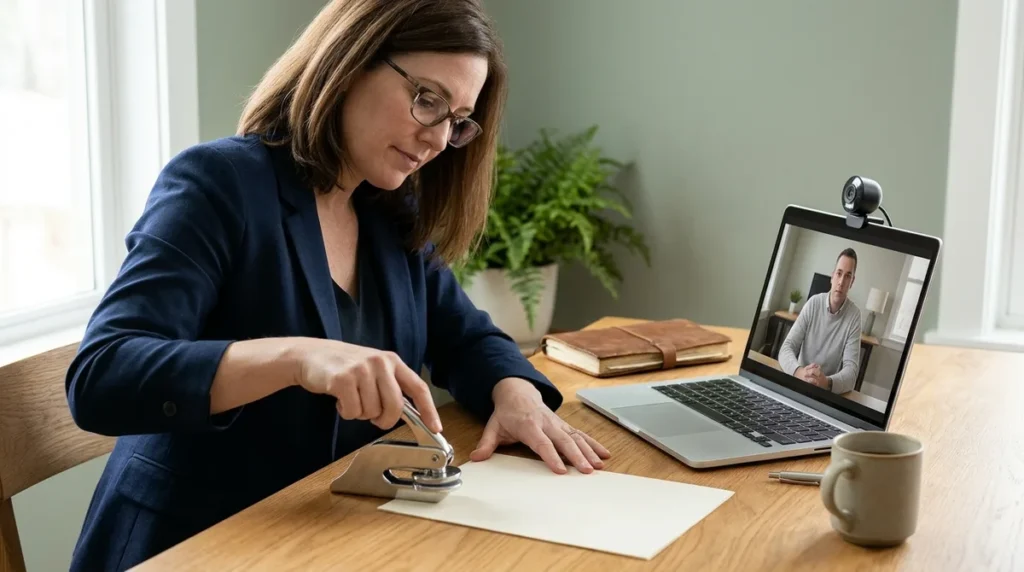
Remote notary witness rules are set state by state, so whether a witness can join your signing by video depends on where you sign. In Florida, a document witness may join through audio-video technology, but they must verify their identity and confirm they are physically in the United States or a U.S. territory. New York takes a different route and has not allowed remote ink notarization since January 31, 2023.
Sounds simple? It isn’t. Some states are still writing their procedures, and the institution receiving your papers can pile on its own requirements. Wills and powers of attorney often face tighter limits, so never assume the witness can log in from the couch.
Key Takeaways
- Whether a remote witness can join your signing by video depends on the state where you sign, because remote witnessing rules are set state by state.
- Before you book, get written confirmation from the bank, title company, or court receiving your papers that it accepts a remote witness for your exact document, since those institutions can add their own rules on top of state law.
- Wills and powers of attorney face tighter limits, and in Florida, remote witnessing is ineffective for a vulnerable adult, so you should never assume a video witness will work for those documents.
- In Florida, the $25 cap on an online notarial act does not cover provider services, so you should add up the notary fee, provider charge, witness fees, and seal fees before you pay.
- New York stopped allowing remote ink notarization on January 31, 2023, so if you sign there, you can only use remote electronic notarization.
Can a Witness Join a Notary Session by Video?
It depends on the state where you sign. Remote witnessing is governed mainly by state law, and no single national rule lets a witness join by video everywhere. A yes in one state can be a flat no in the next, so the answer always starts with local law.
The National Association of Secretaries of State reports that 47 states and the District of Columbia have a law allowing remote electronic notarization. Sounds like good news, right? Not so fast. State rules and procedures vary, and some states are still developing regulations. A law on the books doesn’t mean every detail about witnesses is settled.
Pandemic-era shortcuts deserve extra caution. Emergency rules from that period were often temporary, so they may no longer apply. If a friend video-witnessed a signing a few years back, that doesn’t prove your state allows it today.
The institution receiving your papers can add its own rules on top of state law. A bank, a title company, or a court may refuse a document if the witness wasn’t physically present, even when your state permits video. Ask them before you book the session.
Also ask whether your document needs a witness at all. Some documents carry physical presence requirements, so check the exact form first. Then confirm the rule with your state’s notary office and get the answer in writing.
Remote Notarization Versus Remote Witnessing: What’s the Difference?
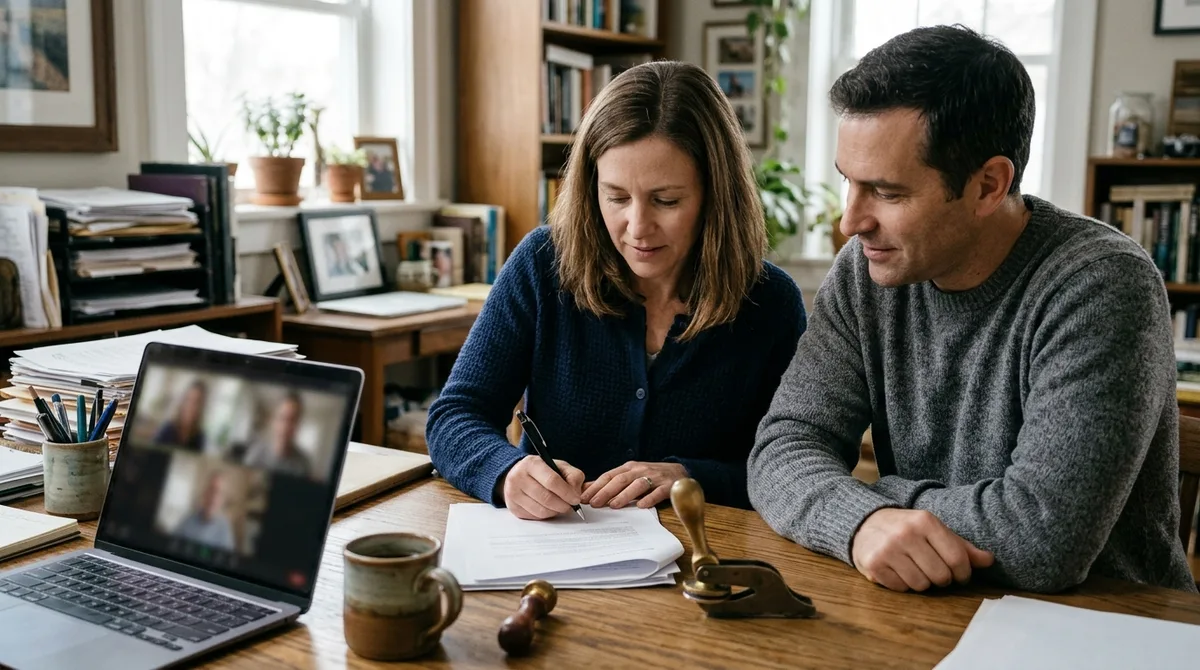
A remote notary performs the notarial act. A remote witness only watches the signing and confirms what they saw. These are two different roles with different rules, and mixing them up can leave you with a document that gets rejected.
The notary is the person on audio-video with you. They verify your identity, check the document, and complete the notarial act. The witness is a separate person who watches you sign and confirms it. In Florida, that means being present in person or by audio-video technology when you sign and hearing you say the record has been signed.
Some states let the witness be physically present while the signer joins remotely, or the other way around. Florida is one example: a document witness may stand next to you or join by video, as long as the remote witness and the signer both use audio-video technology.
Certificate wording matters too. The notary’s certificate should show how the act was done, not just that a signature exists. New York’s Department of State guidance says a remote electronic notarization requires real-time audio-video interaction, an audio-video recording, and a jurat stating that communication technology was used.
Before you sign, check the certificate for:
- The method named, such as remote or audio-video notarization
- The names of any witnesses, if your document requires them
- A statement that communication technology was used
If the certificate only shows a signature and says nothing about how the act happened, ask the notary to correct it before you leave the session.
What Does Florida Require From a Remote Witness?
A remote witness in Florida must be identified, watch the signer sign, hear the signer confirm the record is signed, and say aloud that they are a U.S. resident located in the United States or a U.S. territory. Florida Statutes § 117.285 lets a document witness stand next to the signer or join from elsewhere, as long as both use audio-video communication technology. The witness still has real work to do on camera.
The witness’s identity gets checked the same way the signer’s does. The same identification procedures apply, so nobody gets a free pass just because they’re “only” the witness.
Florida defines witnessing an electronic signature as being present in person or by audio-video technology when the principal signs and hears the principal say the electronic record has been signed. In plain terms, the witness needs eyes on the signing and ears on the confirmation. Someone who looks away at the crucial moment hasn’t witnessed anything.
Here’s what a remote witness in Florida actually does, step by step:
- Hold your photo ID up to the camera so the notary can check it, following the same identity process the signer goes through.
- Say out loud that you are a U.S. resident and that you are physically located in the United States or a U.S. territory.
- Watch the signer sign the document, keeping your eyes on the screen the whole time.
- Listen for the signer to say that the electronic record has been signed.
Keep your ID within reach before the call starts. If your connection drops during the signing, tell the notary right away so the session can be paused and handled correctly.
Do Wills and Powers of Attorney Have Stricter Rules?

Yes. For certain Florida documents, including wills, health care advance directives, and specified powers of attorney, remote witnessing comes with tighter rules. The stakes are higher, so the law adds more checks.
Here’s the first hurdle. If fewer than two witnesses are physically with you, the remote-notarization provider must ask a set of screening questions. Answer yes to any of them, and the witnesses have to be physically present. No video shortcut.
Then there’s the vulnerable adult rule, and it’s a hard line. Under these Florida rules, remote witnessing is ineffective for a vulnerable adult. If the person signing is a vulnerable adult, a video witness won’t save the document. Don’t let a tight schedule talk you into one.
Electronic wills work differently. Florida’s electronic-will statute, Florida Statutes § 732.522, lets witnesses sign by audio-video technology when a notary supervises them. They must be authenticated during the online notarization session and hear the signer acknowledge signing the electronic record. Miss one of those steps and the will can fail.
Self-proving is where people get burned. Self-proving requirements differ by state, so a will that’s valid in one place may need extra steps somewhere else to avoid a fight in court later. Check the will’s formal requirements before you rely on video witnesses. Ask the attorney who drafted the document, not the video platform running the session.
Why Do New York’s Rules Look So Different?
New York allows remote electronic notarization but no longer allows remote ink notarization. The state stopped permitting remote ink on January 31, 2023, when a temporary provision was repealed and replaced by its electronic-notarization law. If you’ve read about remote ink signings elsewhere, that option doesn’t exist here.
Identity is where New York gets specific. A credible witness can identify a remote signer by oath or affirmation, but only if that witness personally knows the signer. The witness also has to be known to the notary or identified through the state’s approved remote identification methods. A stranger on a video call doesn’t count, no matter how confident they sound.
The session has to happen in real time. Remote electronic notarization requires live audio-video interaction between you and the notary, not a pre-recorded upload. The session must also be recorded on audio-video, and the notarial certificate has to state that communication technology was used.
Here’s the practical part. Ask how the session is documented before you book it. Find out who keeps the recording, where it’s stored, and how you can get a copy if a bank or court questions the document later. A notary who dodges those questions is a red flag, not a shortcut.
What Will Remote Witnessing Really Cost You?

Expect to pay the notary’s capped fee plus separate charges for the provider and each witness. The total can climb well past $25. The cap is narrower than it sounds.
Florida caps the fee for an online notarial act at $25, but that cap does not cover other services, including remote online notarization provider services. Those can be charged separately, so the $25 you see advertised is only one line on the bill.
New York sets its own limits. An electronic notary can charge up to $25 per electronic notarial act, plus a separate $2 for a certificate of authenticity if you need one to paper out an electronic document.
Witnesses are the wild card. On-demand witness services often run around $15 per witness, and each additional seal can add more. A two-witness signing with extra seals adds up fast.
Before you book, ask for the full price in writing. Make sure the quote includes:
- The notary fee for the act itself
- Any provider or platform charge for the session
- A fee for each witness
- Seal fees, if your document needs more than one
- Charges for certified or printed copies
Compare the totals, not the headline numbers. A low advertised price with a long add-on list is the classic trick, so add up every line before you pay.
Your Checklist Before You Sign Anything
Video sessions move fast, and a notary won’t pause the call so you can ask basic questions. Settle these points first.
- Confirm that your state allows remote witnessing for your exact document type, not just remote notarization in general.
- Ask the bank, title company, or court receiving your papers whether it accepts remote witnesses at all.
- Ask how long the recording and notary journal are kept. In Florida, online notaries must keep them for at least 10 years after the act.
- Check that your witness is physically in the United States or a U.S. territory, and that they can be seen and identified on camera.
- Ask whether copies can be signed the same day, so you aren’t waiting on mailed originals.
- Ask the notary to confirm the certificate wording matches what your office expects, including the method used.
- Get the total cost in writing, including provider, witness, seal, and copy fees, before you book.
Your Checklist Before the Video Call Starts
Here’s your next move: email the office receiving your papers before you book anything. Ask one question: “Do you accept a remote witness for this exact document?” Get the answer in writing, not a phone promise from a front-desk clerk.
Then pull up the document itself. Find the witness lines and any wording about physical presence. If the form says witnesses must sign in person, stop there and book an in-person session instead.
If your document is a Florida will, power of attorney, or health care advance directive, call the attorney who drafted it. Ask whether fewer than two physically present witnesses will trigger the screening questions, and whether the person signing could count as a vulnerable adult. Those answers can decide the whole session.
Only after you have the written witness rule and the written total cost should you pick a time. Then put the session on your calendar, and keep your witness’s photo ID and a working camera ready for the call.
Frequently Asked Questions
1. Can my spouse or adult child be my remote witness?
Whether a spouse or adult child can witness your signing depends on your state’s witness rules, so check them before you book. Banks, title companies, and courts can also set their own limits on who may serve as a witness. Ask the office receiving your papers in writing whether a family member is acceptable.
2. Can I sign copies of a document on the same day as the original?
Whether copies can be signed the same day depends on the notary’s process and the office receiving your papers. Some offices want the original paper, while others accept electronic copies. Get the answer in writing so you aren’t left waiting on mailed originals.
3. Is a remote witness allowed for a will outside Florida?
Remote witnessing for a will depends on the law of the state where you sign, and Florida’s rules do not carry over automatically. Some states have strict formalities for wills and self-proving. Ask the attorney who drafted the will whether video witnesses will satisfy that state’s requirements.
4. How do I find out whether my state’s remote notary rules are still in effect?
Start with your state’s notary office, since it is the official source for current remote notarization rules. Many pandemic-era emergency rules were temporary and tied to orders that have ended, so don’t rely on what a friend did a few years ago. Ask the notary to confirm in writing which rules apply to your session.