
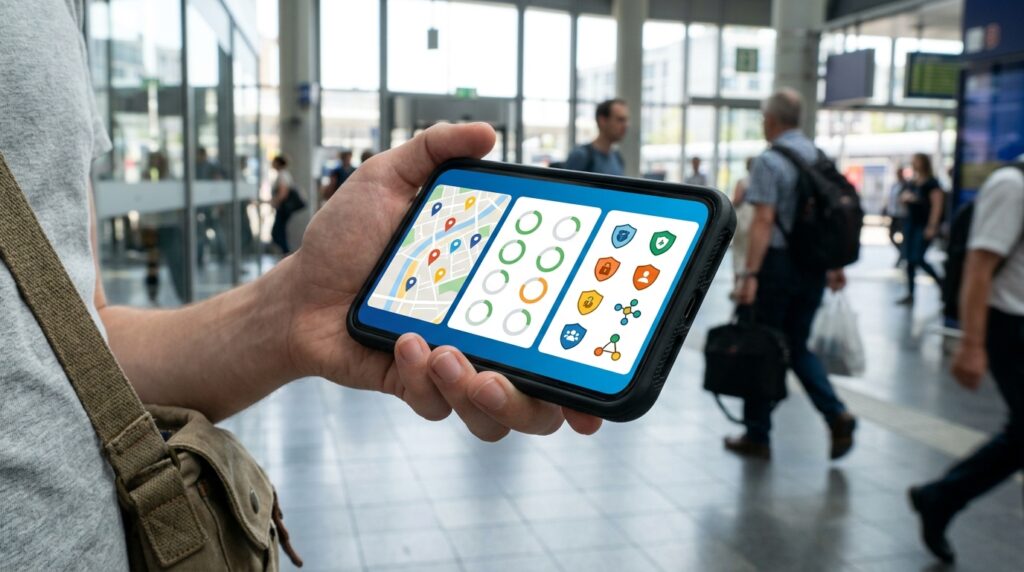
A personal safety app comparison should not be a popularity contest. You need to know what happens when you press the alert button: Does it contact emergency services, share your location, detect a crash, or simply warn you about nearby incidents? The wrong app can look impressive in an ad and still fail you when every second matters.
Your best choice depends on your real situation, not flashy features you may never use. We’ll cut through the marketing and compare emergency response, location sharing, automatic alerts, privacy, and everyday reliability. A safety app is not one-size-fits-all, and pretending it is helps nobody.
Key Takeaways
- Choose a safety app based on the risk you need to manage: monitored services prioritize professional emergency dispatch, contact-based apps alert trusted people and may provide recording tools, family apps support continuous location and driving monitoring, and check-in tools help when you may be unable to trigger an alert.
- Do not assume every SOS or subscription contacts emergency services directly. Verify who receives alerts, where professional monitoring is available, what coverage limits apply, and how the app works with weak signal, low battery, or accidental activation.
- Continuous location sharing and crash detection can improve family awareness, but they also increase battery use and collect detailed travel data. Review permissions, data retention, contact access, privacy controls, and plan limits before subscribing.
- Test the app before relying on it by configuring trusted contacts, location sharing, check-ins, emergency settings, and cancellation options. Built-in phone emergency tools provide a useful baseline, while paid features should be limited to the protections that match your everyday risks.
Emergency Dispatch And SOS Alerts
A monitored safety app is the stronger choice when your priority is getting emergency responders involved quickly. You can trigger a silent alert by pressing and holding its button, then enter a code if the situation is safe. This helps reduce accidental calls. A professional monitoring team can confirm details and contact emergency services in supported locations, while your location and safety profile help responders understand where to go. That makes this type of paid service practical for commuting, travel, or situations where you may not be able to explain what is happening.
A contact-centered safety app takes a different approach, making it useful when family or trusted friends are your first line of support. Its SOS tools can share your location with selected guardians. Features such as voice activation, follow-me tracking, fake calls, and live audio or video recording focus on getting help and preserving evidence. Some professional response options may be available depending on your plan and region, so do not assume every subscription contacts emergency services directly. In many cases, the main alert goes to your chosen contacts rather than straight to responders.
The deciding question is simple: do you need a monitored dispatch service or a flexible way to alert people who know you? Choose a monitored service if direct emergency-service escalation and professional monitoring matter most, but check coverage and subscription limits before paying. Choose a contact-based service if location sharing, discreet activation, and evidence-focused tools are more important, especially for family protection or documenting an incident. Either way, test the alert process, confirm who receives notifications, and review the app’s privacy settings before relying on it in a real emergency.
Family Location And Driving Monitoring
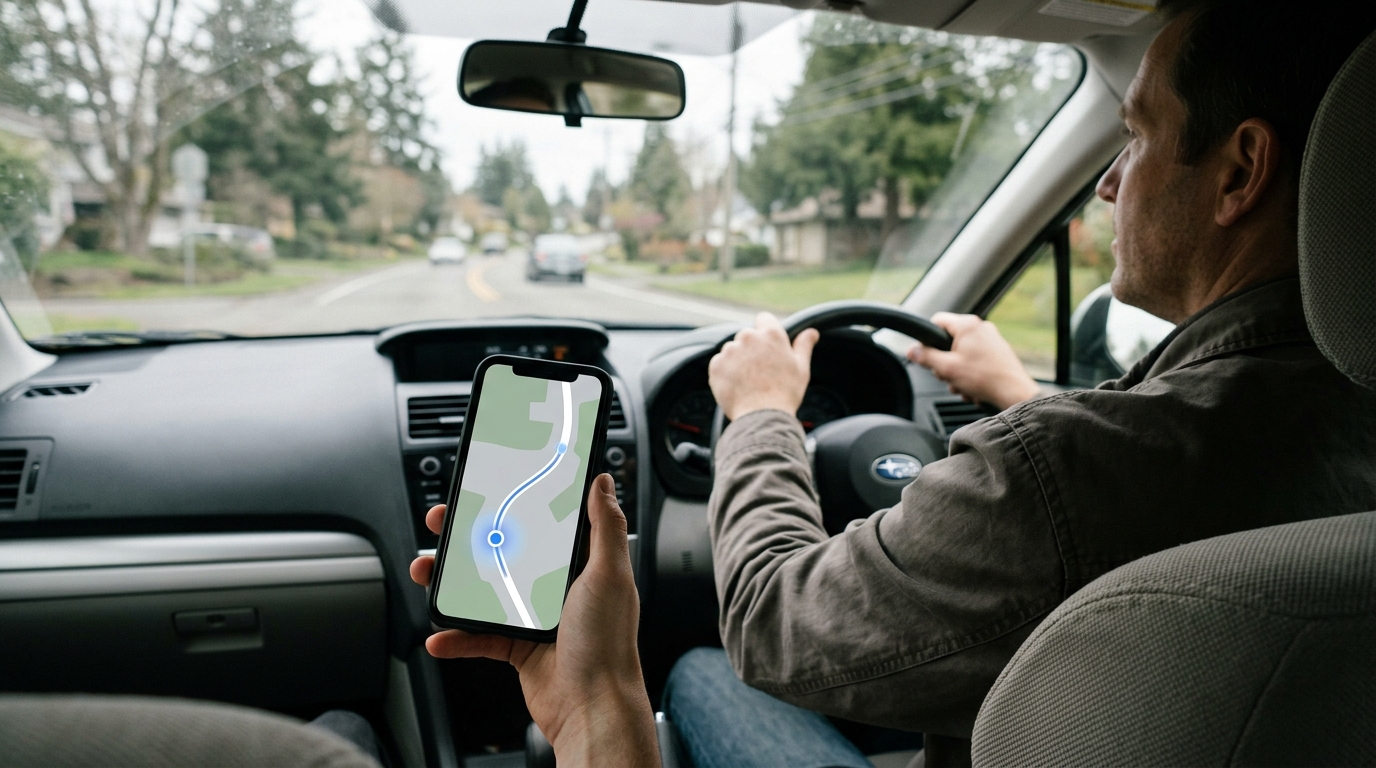
A family monitoring app is built for ongoing awareness, not just emergencies. You can share live locations, set place alerts, review driving reports, and receive notifications when a family member arrives at or leaves a saved location. Depending on your plan and region, crash detection can alert contacts after a serious collision, while roadside support may help with services such as towing or a flat tire. This makes family monitoring a strong fit for parents, households with teen drivers, and families coordinating daily travel.
The key difference in a personal safety app comparison is how monitoring starts. A family monitoring app can keep checking location and driving activity in the background, so your family may receive useful updates even when you do not remember to press a button. An on-demand SOS tool waits for you to trigger an alert, which can be simpler and less intrusive when you only want emergency help. Continuous monitoring is more proactive, but it cannot guarantee that every crash or risky situation will be detected. Emergency response options may also depend on your subscription, phone settings, network coverage, and location.
That extra awareness comes with real trade-offs, so do not treat the subscription as a free safety net. Background location access and driving detection can use more battery and create a detailed record of where you go, when you travel, and how you drive. Before paying, check which features your plan includes, who can see your location, how long activity data is retained, and whether roadside assistance applies where you live. A family monitoring app makes the most sense when your household values shared, continuous monitoring and accepts the privacy and battery costs that come with it.
Check Ins Incident Alerts And Built In Tools
Scheduled check-in services are the strongest fit when you may be unable to send an alert yourself. You set a deadline, confirm you are safe, and the service contacts chosen people if you miss it. That creates a useful safety net for solo travel, late commutes, and situations where your phone may be out of reach. Check the fine print, though, because many services notify trusted contacts rather than dispatching emergency responders. Subscription value comes down to reliable reminders, fast escalation, location sharing, and how much control you get over your privacy settings.
Incident-awareness apps solve a different problem by showing reports about activity near your location. They can help you avoid a developing situation, but they usually do not replace a personal SOS tool, missed check-in system, or emergency call. Your phone’s built-in emergency features are more practical when you want basic protection without another subscription. Depending on your device, you may get emergency calling, automatic crash detection, location sharing, and a safety check that alerts contacts if you do not respond. These tools are convenient, but their features and availability can vary by phone model, region, network connection, and account settings.
Before paying for a safety app, match the tool to the moment you are planning for. A missed check-in matters most when you might be unable to act, while an SOS button matters when you can still reach your phone and trigger help. Nearby incident alerts are useful for awareness, and built-in phone tools provide a solid baseline for everyday protection. Look closely at who receives alerts, whether your location is shared continuously or only during an emergency, how long data is kept, and what happens when your subscription ends. The best choice is not the app with the longest feature list. It is the one that still works for your routine, your contacts, and your worst realistic scenario.
Privacy Permissions And Subscription Value
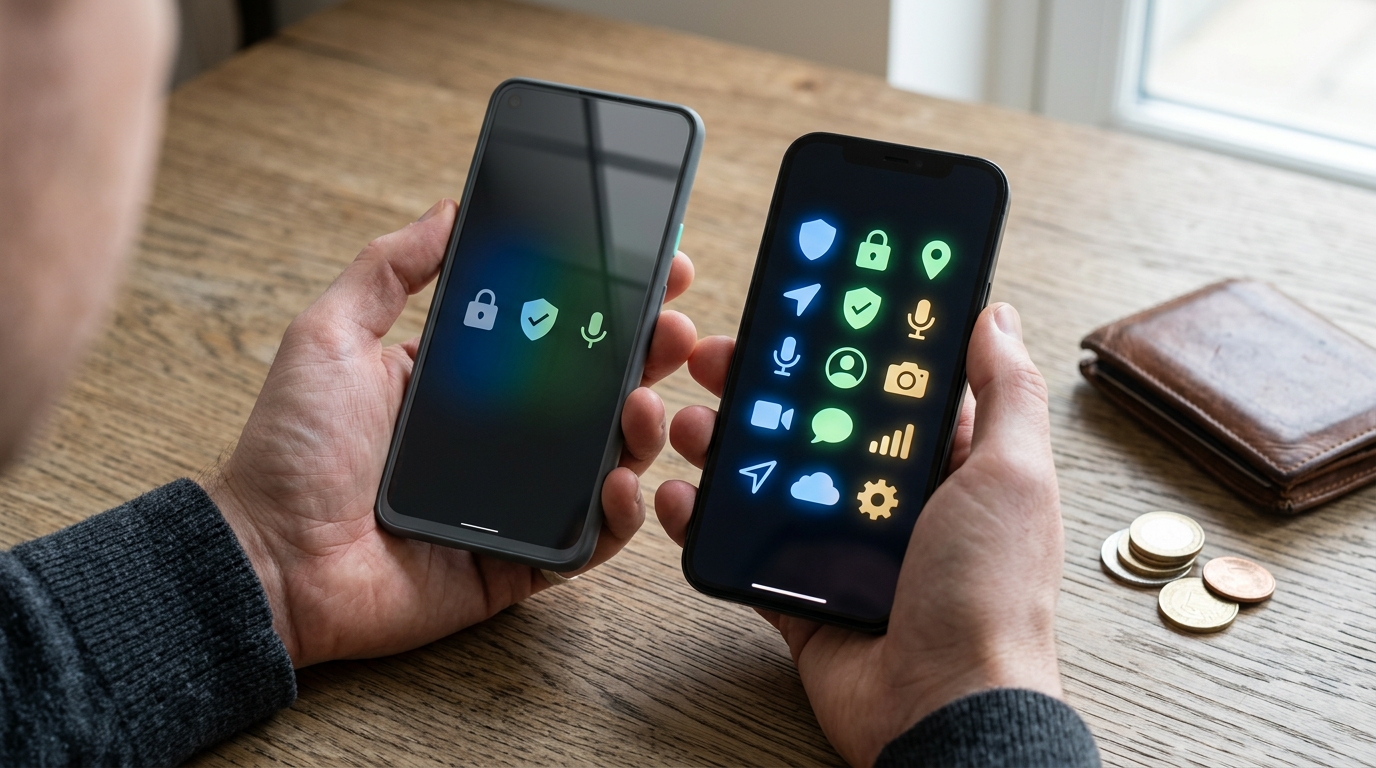
Price is only the first line in a personal safety app comparison. Check what the monthly fee actually unlocks, because a low-cost plan may limit emergency alerts, live monitoring, crash detection, or family location sharing. Then confirm whether emergency-service coverage works where you live and travel, since some services depend on local partners or may only notify your chosen contacts. A polished interface means little if the app cannot connect when you need help. Use this checklist before you subscribe:
- Monthly and annual costs, free trials, automatic renewal, and cancellation rules
- Paid features, including monitoring, crash detection, check-ins, recording, and location sharing
- Emergency-service coverage, response limits, and whether alerts go to professionals or trusted contacts
- How long location history is stored, who can view it, and whether data is shared for advertising or analytics
- Internet, mobile signal, GPS, and phone permissions required for alerts to work
- Battery use during background tracking, live location sharing, and repeated check-ins
Privacy settings deserve the same attention as emergency features. Look for clear controls that let you pause location sharing, remove trusted contacts, delete stored trips, and understand how long records remain on the provider’s servers. An app that collects more data than you need may not be a good bargain, even if its subscription is cheap. Also test the cancellation process before committing, and avoid services that hide renewal terms or make account deletion difficult.
Your routine should decide what you pay for, not a long feature list. If you travel alone, prioritize dependable alerts, offline or weak-signal behavior, and a clear emergency response process. Daily commuters may value automatic crash detection and low battery use instead. Family protection calls for simple location sharing, multiple profiles, and sensible privacy controls, while a backup user may need only fast SOS access and a reliable check-in feature. Compare each app’s total cost, coverage, permissions, and limits side by side, then choose the smallest plan that covers your real risks.
Choose the Safety App That Fits You
The best personal safety app depends on the risk you want to manage, not on the loudest marketing claim. Choose a monitored service if emergency dispatch is your top priority, a family monitoring app for location sharing and driving safety, and the emergency tools already built into your phone for basic protection. An incident-alert app suits people who want nearby activity updates, while a contact-based app is better for evidence-focused alerts and recordings. If someone may be unable to trigger help, a scheduled check-in service can provide an important backup.
Before paying for a plan, compare emergency escalation, location accuracy, privacy controls, battery use, contact limits, and the real value of each subscription. Install your preferred option and test its permissions, trusted contacts, location sharing, check-in timing, and emergency settings before you rely on it during travel, commuting, or family outings. You should also confirm what happens when your phone loses service, your battery runs low, or an alert is sent by mistake. For more practical, no-hype buying guidance, compare everyday services carefully before you subscribe.
Frequently Asked Questions
1. What should you look for in a personal safety app?
Start with what happens after you press the alert button. Check whether the app contacts emergency services, alerts trusted contacts, shares your location, detects crashes, or simply sends nearby incident warnings. The best app is the one that matches the danger you are most likely to face, not the one with the longest feature list.
2. Does a monitored safety app contact emergency services directly?
In supported locations, a professional monitoring team can confirm your situation and contact emergency services. You press and hold the alert button, then enter a code if you are safe, which helps prevent accidental dispatches. Your location and safety profile can also give responders useful details about where to find you.
3. Is a contact-based app better for family and friends?
A contact-based app is often the better fit when your trusted contacts are your first line of support. It can share your location with selected guardians and may include tools such as voice activation, follow-me tracking, fake calls, and live audio or video recording. Do not assume every plan contacts emergency services directly, because response options can depend on your plan and region.
4. Which personal safety app is best if you cannot speak during an emergency?
Look for silent alerts, voice activation, or both. A monitored app may let you trigger an alert by pressing and holding its button, while a contact-based app may offer voice activation and contact-based alerts. Before relying on either option, test the setup and learn exactly what happens after activation.
5. Can personal safety apps share your live location?
Yes, some apps can share your location with emergency responders, trusted contacts, or both. A monitored service may use your location to help its team and responders understand where to go, while a contact-based app can share location with selected guardians and support follow-me tracking. Location accuracy depends on your phone settings, battery, signal, and internet connection.
6. Do personal safety apps automatically detect a car crash?
Not every safety app includes crash detection, so you need to check this feature before subscribing. Automatic alerts can be useful when you are injured or unable to reach your phone, but they are not foolproof and may require specific phone settings or a paid plan. Treat crash detection as backup, not a replacement for emergency equipment or responsible driving.
7. Are personal safety apps private and secure?
Privacy varies widely, so read the app’s permissions and privacy policy before you share sensitive information. Location, audio, video, and personal profile data can make an alert more useful, but they also create more data to protect. Only enable features you understand, choose trusted contacts carefully, and review access settings regularly.
8. How do you choose between a monitored safety app and a contact-based app?
Choose a monitored service when you want a professional team involved in contacting emergency responders, where supported. Choose a contact-centered service when family or friends are your preferred first response and you want tools for tracking, recording, or discreet alerts. Before paying, confirm coverage in your area, response limits, subscription terms, and what happens when your phone loses power or signal.