

Heatmap software pricing can look simple until you read the fine print. Some tools are free, while paid plans often start around $25 to $40 per month with annual billing. Traffic limits, projects, recordings, and team seats can push the real cost much higher. You are not just paying for colorful click maps. Most platforms also bundle session recordings, funnels, surveys, error tracking, and AI features.
The smart move is to match the plan to your traffic, team, and goals instead of chasing the biggest feature list. A free plan may cover a small site surprisingly well, while a growing business may need more sessions, deeper reports, or better support. Here is how to separate genuine value from pricing that looks cheap until the bill arrives.
Key Takeaways
- Free heatmap plans can be sufficient for small websites, often including heatmaps, recordings, and basic behavior insights, but traffic, project, retention, reporting, and team-access limits still matter.
- Paid plans typically start around $25–$40 per month with annual billing, while mid-market tiers range from roughly $70–$320 monthly and enterprise pricing is usually customized.
- The headline price rarely reflects the total cost: session caps, overage fees, extra projects, team seats, short data retention, add-ons, and annual billing can make a cheap plan expensive.
- Choose based on expected traffic, websites, users, data history, and business goals. Start with the smallest plan that supports your workflow, but compare upgrade costs and leave room for growth or seasonal traffic spikes.
Free Heatmap Software Plans
A genuinely free heatmap plan can cover a lot if you run a small website or are still testing an idea. Some free plans include unlimited websites, heatmaps, session recordings, team members, and projects with no traffic cap. You may also get segmentation and AI-powered summaries. That combination works well for freelancers, small teams, and businesses that need clear answers about clicks, scrolling, and behavior insights without another monthly bill. Check whether the reporting depth and data controls fit your workflow before you rely on the plan as your long-term analytics platform.
Another major free option allows up to 200,000 sessions per month for one project and bundles heatmaps with session replays, funnels, error monitoring, and basic surveys. That higher traffic allowance can work well for a growing site, but the single-project limit may become a problem if you manage several domains, products, or client accounts. Free software is enough when you need basic behavior insights and your traffic stays within the stated limits. Once you need more projects, deeper reports, higher data volumes, advanced collaboration, or specialized analytics, paid software starts to look less like an upgrade and more like a necessity.
Paid Heatmap Software Pricing Tiers

Entry-level paid heatmap software typically costs about $25 to $40 per month with annual billing. These plans usually cover one website, a limited number of monthly sessions, and core features such as click maps, scroll maps, and session recordings. They can work well if you run a small site and need clear answers about where visitors click, stop, or leave. Before you buy, check the traffic cap carefully. Exceeding it can trigger an upgrade or limit your data.
Mid-market plans generally cost between $70 and $320 per month, depending on traffic, websites, users, and advanced features. At this level, you may get funnels, form analytics, surveys, conversion tracking, segmentation, and stronger reporting alongside heatmaps. You are paying for more than colorful page overlays. You are paying for a broader view of customer behavior. Compare session limits and included features side by side, because a cheaper plan can become expensive as your traffic grows.
Enterprise heatmap software is usually quote-based, with pricing tailored to traffic volume, projects, seats, data retention, security, and support. Larger teams may also need custom integrations, permissions, onboarding, and analysis across several websites or products. Ask for a written breakdown of every limit before signing, including recording caps, historical data access, overage charges, and contract terms. If a sales representative will not explain the real cost clearly, treat that as a warning sign, not a minor inconvenience.
Heatmap Pricing Limits And Extra Costs
Heatmap software pricing often looks simple until you check what the plan actually measures. A low monthly rate may cover only a set number of monthly sessions or pageviews. Extra traffic can push you into a higher tier or trigger overage fees. Recording retention matters too. A plan that stores replays for only a few days may be useless when you need to investigate an older conversion problem. Check whether the price covers one project or several and whether teammates count as paid users. Many entry plans advertise roughly $25 to $40 per month, but that rate may require annual billing and upfront payment.
The feature list can change the real cost just as quickly as traffic limits. Surveys, funnels, form tracking, error monitoring, revenue views, and advanced analytics are often locked behind higher plans or sold as add-ons. Data history can also be restricted, so you may lose access to useful comparisons unless you keep paying for a premium tier. A small site with one project may fit a basic plan, while an agency, ecommerce store, or growing product team may need more projects, users, sessions, and storage from day one. Read the limits line by line instead of trusting the headline price.
The cheapest advertised plan is not always the best value if it forces you to upgrade as soon as your traffic or team grows. Compare the yearly total, billing commitment, overage rules, feature add-ons, and the cost of moving to the next tier. Free plans can be surprisingly capable for testing heatmaps, but they may offer less control, shorter retention, or fewer reporting tools than paid options. Your best choice is the plan that covers your expected traffic and workflow without making essential insights optional. Before buying, estimate your monthly sessions, pageviews, projects, users, and required data history. Then price the plan you will actually use, not the teaser plan on the pricing page.
Choosing Heatmap Software By Traffic
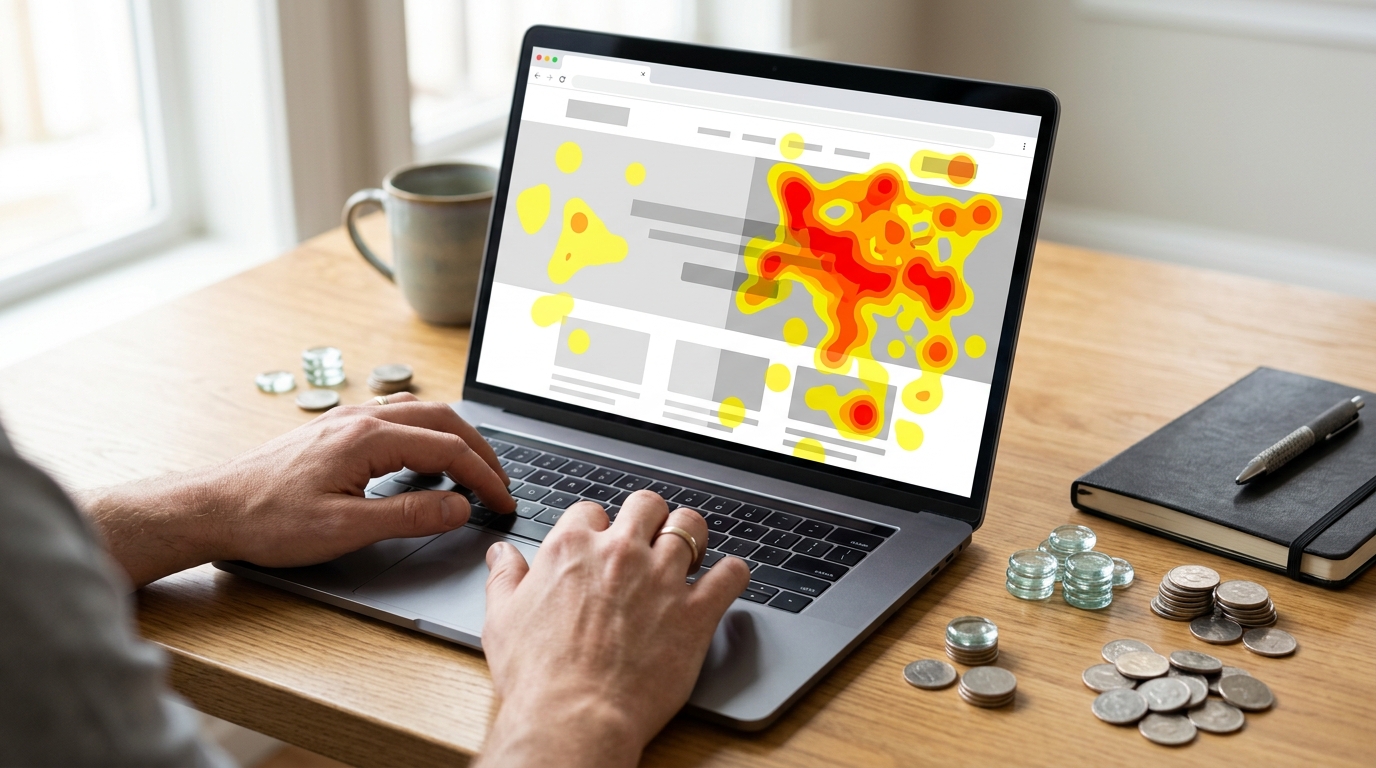
Heatmap software pricing usually follows traffic, not the number of charts you view. Free plans can be surprisingly capable for a small site, but check the fine print on monthly sessions, projects, data retention, and team access. Entry-level paid plans often cost around $25 to $40 per month with annual billing, while higher tiers charge more for larger traffic limits and extra features. Do not pay for unlimited analysis if your site gets only a few thousand visits a month. Start with the plan that covers your current traffic and leaves room to grow instead of funding traffic you do not have yet.
Your business model should shape the upgrade decision. Startups and small sites can usually begin with a free or low-cost plan for clicks, scroll depth, recordings, and basic conversion checks. Growing businesses need more sessions, longer data storage, multiple projects, and seats for marketing, product, and design teams. Agencies should prioritize multi-site support, client workspaces, permissions, and simple reporting. One cheap plan that cannot separate accounts becomes a headache fast. Ecommerce brands should look for revenue tracking, product and checkout analysis, campaign comparisons, and enough capacity to handle seasonal spikes.
Larger organizations should judge heatmap software pricing by the full cost of ownership, not the monthly sticker price. Features such as advanced segmentation, funnels, surveys, error tracking, AI summaries, security controls, single sign-on, service support, and longer retention can justify a higher tier when several teams depend on the data. Before buying, estimate monthly sessions, the number of websites or apps, required users, and the reports you need each month. Then compare the cost of the next plan up, since overage fees or sudden traffic limits can erase a cheap deal. The right choice gives you useful answers without forcing you to pay for enterprise features before your analytics goals demand them.
What You Get at Each Pricing Tier
Heatmap software pricing usually starts with capable free plans, then moves into paid tiers around $25 to $40 per month with annual billing. Free options may include heatmaps, recordings, basic reports, and several websites, but limits can apply to sessions, data history, projects, team access, or advanced analysis. Paid plans generally increase those allowances and add features such as funnels, form tracking, surveys, error monitoring, and AI insights. Before you choose, check whether the plan counts sessions, pageviews, tracked users, or projects, because a low price can become expensive as your traffic grows.
Enterprise pricing is usually custom and may include larger data limits, longer storage, stronger privacy controls, user permissions, integrations, onboarding, and priority support. That flexibility can make sense for larger teams, but smaller businesses may pay for features they never use. Compare the full monthly or annual cost, expected traffic, upgrade thresholds, and most useful features instead of grabbing the cheapest plan on the page. For a practical way to compare service pricing and hidden costs, review each plan’s limits, fees, and included features before you commit.
Frequently Asked Questions
1. How much does heatmap software usually cost?
Heatmap software can cost nothing, while paid plans often start around $25 to $40 per month with annual billing. Your real cost may rise with traffic limits, extra projects, session recordings, team seats, and advanced features. Check the full plan limits before you judge the price.
2. Is free heatmap software good enough for a small website?
Often, yes. A free plan can give you heatmaps, session recordings, unlimited projects, and useful behavior insights without another monthly bill. It is a strong fit when your site is small and you only need to understand clicks, scrolling, and basic user behavior.
3. What should you check before choosing a free heatmap plan?
Look beyond the word free. Check traffic caps, project limits, data retention, team access, reporting depth, privacy controls, and whether key features are locked behind an upgrade. A plan that works for one site may fall short when you manage several domains or client accounts.
4. What features are usually included in paid heatmap plans?
Paid plans often bundle more than click and scroll maps. You may get session recordings, funnels, surveys, error tracking, segmentation, AI summaries, deeper reports, and better collaboration tools. Make sure you will actually use those extras, or you could pay for a crowded feature list that does not improve your decisions.
5. How do traffic limits affect heatmap software pricing?
Traffic limits usually control how many visitor sessions the platform can collect each month. A low-priced plan may stop recording, sample your data, or require an upgrade once your traffic grows. Compare your normal monthly traffic with the plan limit, then leave room for seasonal spikes.
6. Is a plan with more sessions always the better value?
Not necessarily. A higher session allowance helps if you have a busy site, but it may not matter if you need multiple projects, stronger reports, or more team seats. The best value comes from matching the plan to your traffic, goals, and workflow instead of chasing the biggest number.
7. When should you upgrade from free heatmap software?
Upgrade when the free plan blocks useful work, such as adding projects, inviting teammates, reviewing enough sessions, or accessing deeper reports. You may also need paid support, longer data storage, advanced segmentation, or specialized analytics as your business grows. If the free plan still answers your key questions, there is no prize for upgrading early.