

Appointment scheduling software pricing can look simple until you face per-user fees, booking limits, payment charges, and “optional” add-ons. Free plans are common, but they often restrict calendars, bookings, branding, or essential features. For one professional, you can expect to pay roughly $5 to $20 per month for a solid paid plan.
Your real cost depends on what you need. Team calendars, staff access, deposits, classes, memberships, POS tools, or multiple locations can push the bill to $25 to $150 or more per location each month. Annual billing may lower the subscription price, but taxes, payment processing, SMS, and extras can still raise the final total. Knowing exactly what you are paying for helps you avoid a cheap plan that becomes expensive as your business grows.
Key Takeaways
- Appointment scheduling software typically costs $5–$20 per month for an individual, $10–$50 per user or location for small teams, and $25–$150 or more per location for advanced tools such as payments, memberships, classes, POS, and staff management.
- Free plans can work for solo professionals with simple needs, but they commonly limit calendars, bookings, providers, branding, integrations, reminders, and payment features.
- Calculate the full cost before subscribing, including per-user or per-location fees, payment processing, SMS charges, taxes, integrations, add-ons, and booking or usage limits.
- Compare plans based on your current setup and expected growth, and review annual billing, cancellation terms, renewals, support, and upgrade requirements before committing.
Free And Entry Level Pricing
Free appointment scheduling plans can get you online without adding another bill, but they are rarely unlimited. You may get one calendar, a small number of event types, and a basic booking page, while team features and multiple providers remain locked behind a paid tier. Some plans cap monthly bookings or limit you to one user, location, or service. Expect the provider’s branding on your booking page, fewer integrations, and basic help-center support instead of priority assistance.
Before you call a free plan “free,” check the fine print around payments, reminders, text messages, and add-ons. Calendar syncing may work with only one account, while video meetings, email marketing, payment, or CRM integrations may require an upgrade. Free tiers often exclude custom branding, advanced reports, group appointments, deposits, and shared team availability. They can still be a smart fit if you are a solo professional with a simple schedule and modest booking volume.
An entry-level plan costing roughly $5 to $20 per month is often worthwhile once the free version creates more work than it saves. For that price, you may unlock more calendars or event types, higher booking limits, custom branding, useful integrations, automated reminders, and better customer support. The upgrade makes particular sense when missed appointments cost more than the subscription or when you need to manage several services without juggling manual updates. Check whether the price is per user, provider, calendar, or location. Taxes, payment-processing fees, SMS charges, and optional add-ons may also increase the final bill.
Per User Location And Calendar Costs
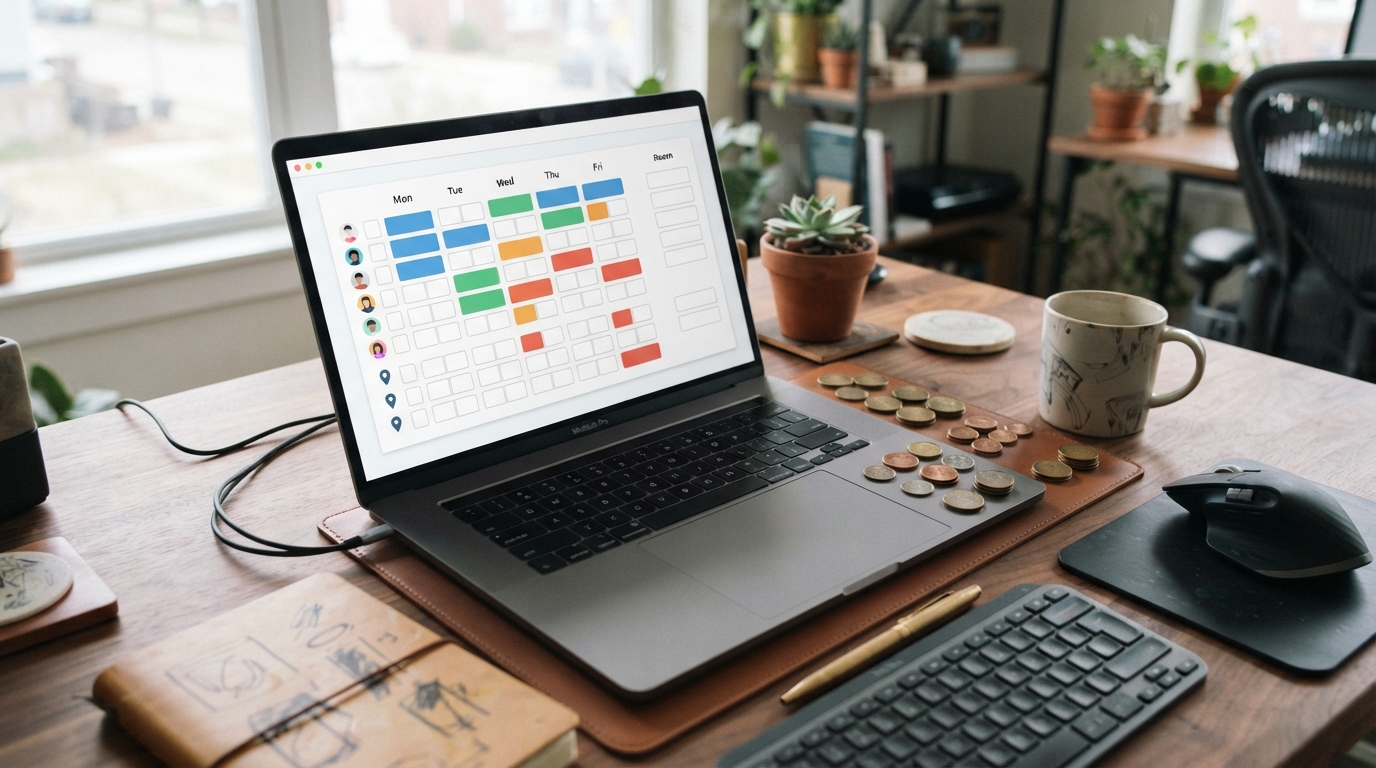
The price you see often depends on what the platform counts as a billable unit. Per-user or per-seat plans charge for each employee who needs access, while per-provider plans focus on bookable staff members. Per-calendar plans may charge for each personal, team, or service calendar, and per-location plans bundle the tools used at one physical business site. For a small team, expect roughly $10 to $50 per user, provider, calendar, or location each month. Annual billing often lowers the effective rate.
The math can change quickly when you add staff or calendars. A five-person team paying $20 per user spends about $100 monthly, while a plan charging $35 per location may cost less if everyone can share one workspace. Check whether the base plan includes unlimited bookings, multiple calendars, staff logins, and all appointment types, because low advertised prices often come with tight limits. Also look for extra charges for text reminders, payment features, branded pages, integrations, and additional users.
Service businesses usually need more than a basic booking link, and that is where pricing moves into the $25 to $150 or more per location each month. Tools for staff scheduling, classes, memberships, deposits, point-of-sale features, and customer records can justify the higher price, but payment-processing fees are usually separate. Before subscribing, price the complete setup for your busiest location, including every provider, calendar, add-on, and transaction fee. That real monthly total is far more useful than the headline plan price.
Hidden Appointment Software Fees
The advertised appointment scheduling software pricing is rarely the full bill. Payment processing can take a percentage of every transaction, while SMS reminders and text message credits may add separate per-message charges. You may also encounter setup fees, premium integration costs, or extra charges for adding staff, locations, or user accounts. A plan that looks affordable at first can become expensive as your booking volume grows.
Read the feature limits as closely as the price. Free and entry-level plans may restrict calendars, appointments, event types, providers, branded booking pages, or access to deposits and payments. Essential tools can also be locked behind a higher tier, forcing you to upgrade before you actually need more capacity. Ask whether the quoted price covers the features your business needs today, not just the basic booking form.
Before you subscribe, compare the annual billing and monthly totals. Annual billing is often cheaper, but it ties up your cash. Check cancellation and refund terms, renewal rules, usage limits, and what happens when you exceed your included texts, bookings, or users. Also confirm whether phone support, onboarding, and faster assistance require a premium support tier. The real appointment scheduling software pricing is the amount you will pay after every add-on, limit, and contract detail is included.
Comparing Scheduling Plans By Business

Your best starting point depends on how people book with you. Solo professionals usually pay about $5 to $20 per month for a meeting scheduler or client appointment platform, while a free plan may be enough if you only need one calendar and basic booking links. Check the fine print for limits on event types, monthly bookings, reminders, branding, and calendar connections before you subscribe. A low headline price can become less attractive when essential features are locked behind a higher tier. If you run a small service team, expect roughly $10 to $50 per user or location each month, depending on whether the provider charges by seat, calendar, staff member, or business location.
Businesses collecting deposits or full payments need to price more than the scheduling subscription. Payment-focused tools often cost about $25 to $150 or more per location each month, especially when they include staff management, classes, memberships, POS features, or customer records. You will also need to budget for payment-processing fees, and possibly SMS charges, taxes, hardware, or paid add-ons. For example, a salon may save time with built-in deposits and staff calendars, while a consultant may pay more than necessary for features designed for retail or appointments across multiple locations. Compare the complete monthly cost, not just the advertised plan price.
Larger organizations should expect a custom quote when they need advanced routing, CRM integrations, SSO, compliance controls, audit records, or dedicated support. Enterprise scheduling suites can cost far more than basic meeting tools, but the extra expense may be justified if they reduce manual routing, missed appointments, or security work across many teams. Ask whether the quote includes implementation, onboarding, premium support, extra users, API access, and data migration. Before signing, confirm the contract length, renewal terms, cancellation rules, and whether annual billing is required for the lowest rate.
What You’ll Pay for Scheduling Software
Appointment scheduling software pricing usually ranges from free to more than $150 per month per location. Individual professionals often pay about $5 to $20 monthly, while small teams may spend $10 to $50 per user or location. Businesses that need payments, deposits, classes, memberships, or staff management can face higher costs, plus payment-processing fees and optional add-ons. A free or low-cost plan may look attractive, but limits on calendars, bookings, providers, branding, or features can force you to upgrade quickly.
Before subscribing, calculate the full monthly cost for every user, location, booking, payment, text message, and integration you need. Check whether the price is based on seats, calendars, providers, locations, or usage, and confirm whether annual billing is required for the advertised rate. The cheapest plan is not always the lowest-cost option if it creates extra fees or blocks essential features. Focus on the complete cost, the features you will actually use, and how the plan will handle your growth.
Frequently Asked Questions
1. How much does appointment scheduling software usually cost?
A solid paid plan for one professional usually costs about $5 to $20 per month. Plans with team calendars, staff accounts, classes, memberships, POS tools, or multiple locations can cost $25 to $150 or more per location each month. Your final bill may also include taxes, payment processing, SMS, and add-on fees.
2. Are free appointment scheduling plans really free?
Usually, yes, but free plans come with limits. You may get only one calendar, a small number of services, limited bookings, provider branding, and basic support. Check the fine print for charges related to payments, text reminders, integrations, and extra users.
3. When should you upgrade from a free scheduling plan?
Upgrade when the free plan starts creating more work than it saves. A paid plan is often worth the $5 to $20 monthly cost if you need more bookings, custom branding, automatic reminders, deposits, reports, integrations, or access for a team. Do not pay for features you will not use, but do not let a cheap plan slow down your business.
4. What features increase appointment scheduling software pricing?
Team calendars, multiple staff logins, shared availability, group appointments, memberships, deposits, payment tools, advanced reports, and multiple locations usually raise the price. Some providers charge by user, while others charge by location, booking volume, or feature package. Compare the total cost for your actual setup, not just the lowest advertised tier.
5. Are payment processing fees included in the software subscription?
Often, they are not. You may pay the monthly software fee plus a separate percentage or flat fee whenever a customer pays online. Deposits, refunds, subscriptions, and point-of-sale transactions can also carry extra charges, so review the payment pricing before you commit.
6. Does annual billing make appointment scheduling software cheaper?
Annual billing often lowers the subscription price compared with paying month to month. The catch is that you pay upfront, and taxes, payment processing, SMS messages, and add-ons may still cost extra. Choose annual billing only after you have tested the software and confirmed that it fits your booking volume.
7. How can you compare appointment scheduling software pricing accurately?
Start with your number of providers, locations, monthly bookings, services, and payment needs. Then calculate the full monthly cost, including users, booking limits, SMS reminders, integrations, transaction fees, and required add-ons. A plan that looks cheap can become expensive quickly when your team or customer list grows.